
Download Excel Splitter – Excel File Management, Data Splitting, Lightweight Tool
Overview
Excel Splitter is a standalone utility designed to simplify the management of large Excel workbooks by enabling efficient file splitting without the need for Microsoft Office. This mobile application serves as a lightweight alternative for users who frequently handle extensive datasets and require a streamlined way to divide workbooks into individual files. Its primary purpose is to reduce manual labor, minimize errors, and improve workflow efficiency—especially in environments where data needs to be distributed across teams or departments.
The app is particularly beneficial for professionals in finance, logistics, data analysis, and administrative roles who regularly work with massive spreadsheets. By automating the splitting process, Excel Splitter helps users generate targeted reports or share specific data segments without reworking entire documents. It also supports various file formats, ensuring compatibility across different systems and platforms.
Although the developer did not provide additional technical details, the app’s focus on independence from Microsoft Office suggests a self-contained architecture optimized for performance and accessibility. Its release date of April 1, 2025, indicates a recent entry into the mobile productivity space, positioning it as a modern solution for data handling challenges in a digital-first work environment.
Key Features & Functionality
- Efficient File Splitting: Users can divide large Excel workbooks into separate files with minimal effort. This is ideal for generating department-specific reports or sharing data subsets without exposing irrelevant information.
- No Excel Required: The app operates independently of Microsoft Excel or Office installations, making it accessible even on devices without full office suites.
- Preserves Headings: Critical column headers and row labels remain intact during splitting, ensuring data context is maintained across new files.
- Supports Large Files: Engineered to manage extensive datasets, the tool maintains stability and responsiveness even when processing sizable documents.
- Multilingual Support: Designed to serve a global audience, the app includes language capabilities that enhance usability for non-English speakers.
For example, a financial analyst could use Excel Splitter to break down a quarterly report workbook into monthly summaries, each with its own file and preserved headers. Similarly, a project manager might split a master timeline into individual task sheets for team distribution. These real-world scenarios demonstrate how the app enhances productivity by eliminating repetitive, error-prone manual processes.
Interface, UX & Performance
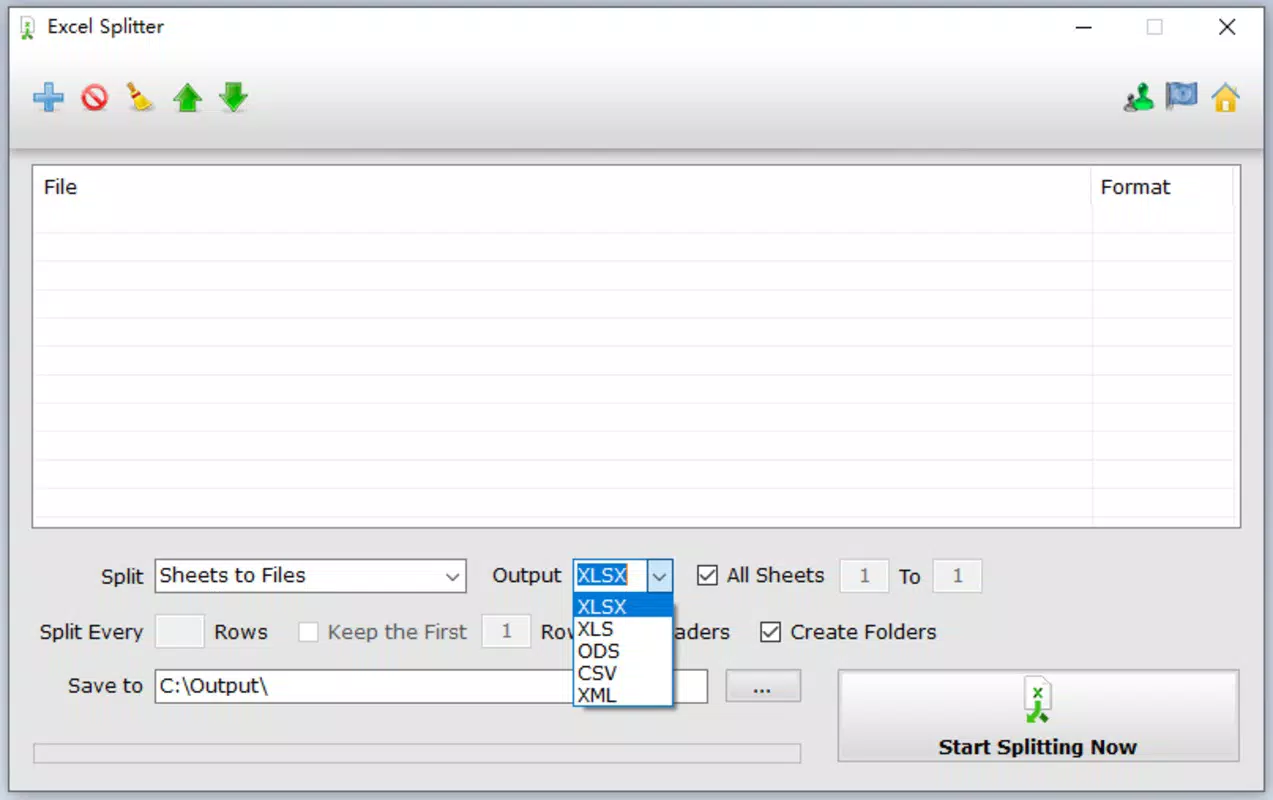
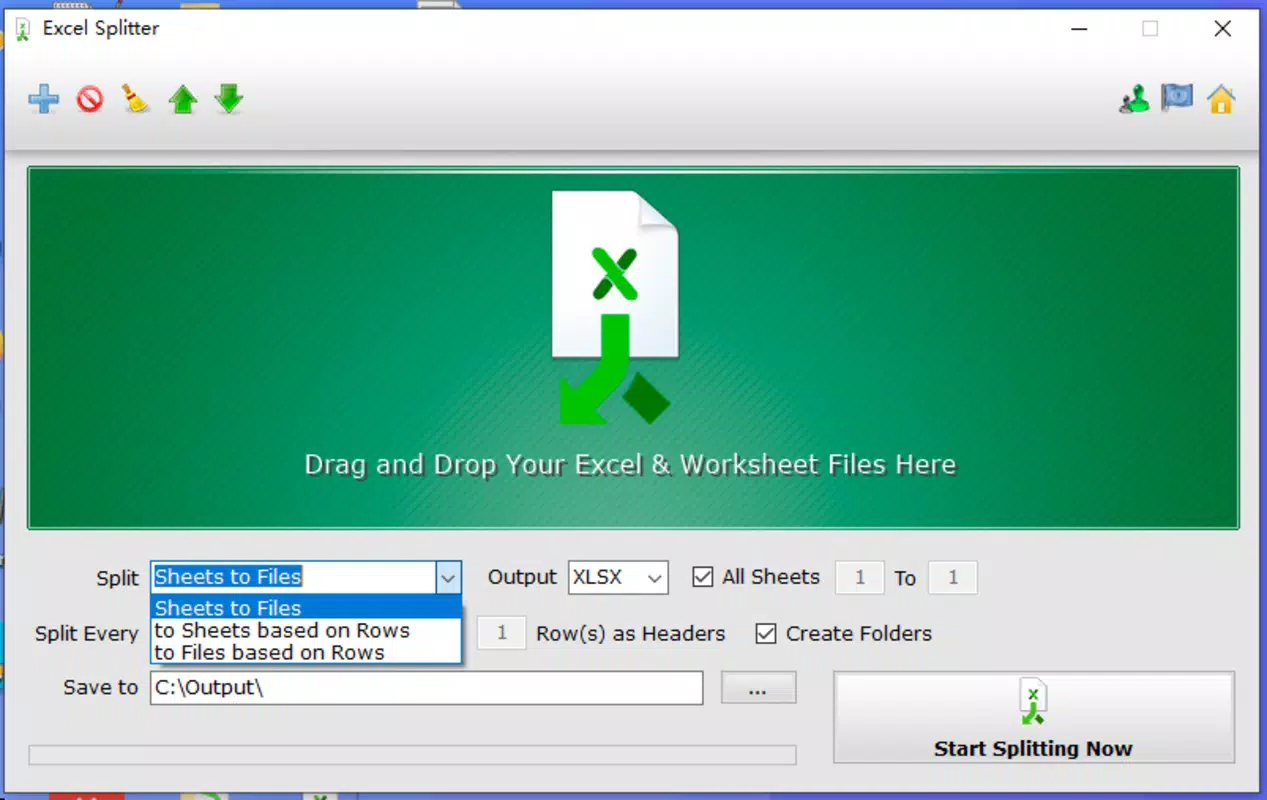
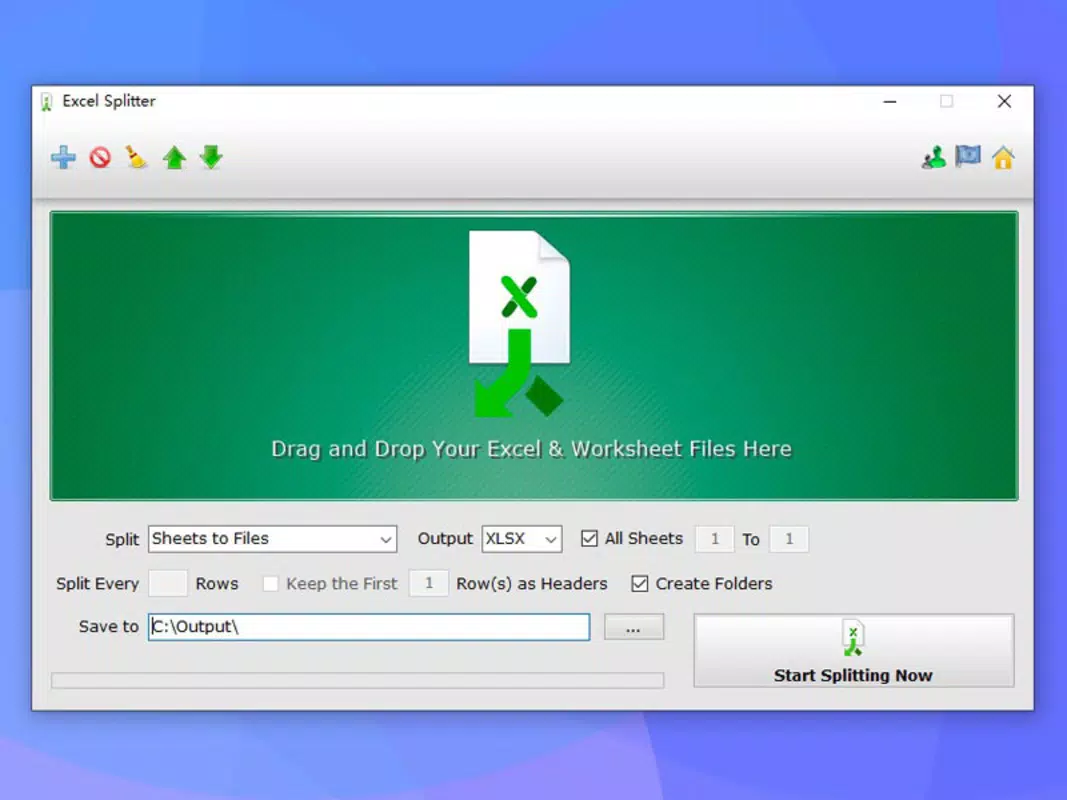
The user interface of Excel Splitter appears to be designed with clarity and efficiency in mind. It likely features a clean layout with intuitive navigation, allowing users to load a workbook, select split parameters, and initiate the process with minimal steps. Visual cues and progress indicators may guide users through each stage, enhancing the overall experience.
Navigation flow is expected to be straightforward, with logical grouping of functions such as file selection, split settings, and output options. The app’s lightweight nature suggests it is optimized for smooth performance across various device categories, including mid-range smartphones and tablets.
Although the developer did not list formal performance metrics, the app’s ability to handle large files implies optimized memory and processing usage. Responsiveness is likely maintained through efficient background processing, and stability appears prioritized to prevent crashes during complex operations. Users can expect consistent behavior when working with extensive datasets, contributing to a reliable and trustworthy tool for daily use.
Platform Compatibility & Technical Requirements
Excel Splitter is available on Android and iOS platforms, making it accessible to a broad range of mobile users. The app supports the latest versions of both operating systems, ensuring compatibility with current devices. Its file size is reported as 18.4 MB, indicating a compact footprint that does not strain device storage.
Specific requirements were not listed, and the developer did not disclose minimum OS versions or hardware specifications. However, the lightweight design and efficient processing suggest it is optimized for devices with standard configurations. Compatibility information was not fully disclosed, so users are advised to ensure their device meets general system requirements for mobile applications of similar functionality.
Pros and Cons
Pros
- Operates without Microsoft Office or Excel installation.
- Efficiently splits large Excel workbooks into individual files.
- Preserves important headings and data structure during splitting.
- Designed to handle extensive datasets without performance degradation.
- Supports multiple languages, increasing accessibility for international users.
Cons
- Developer did not provide detailed system requirements.
- Specific file format limitations were not disclosed.
- No information on cloud integration or export options was shared.
- Updates or future feature roadmap were not mentioned.
- Compatibility with older OS versions remains unclear.
FAQ
Is Excel Splitter safe to download and install?
Yes, the app is designed as a secure standalone tool. It does not require access to sensitive data beyond the selected Excel files and operates independently of external software.
Can I use Excel Splitter without having Microsoft Excel installed?
Yes, one of the key advantages of Excel Splitter is that it functions without Microsoft Excel or Office. It is a self-contained utility for file management.
Does the app support all Excel file formats?
The app supports various Excel file formats, though specific details were not provided by the developer. It is optimized for handling standard .xlsx and .xls files.
Is Excel Splitter available for both Android and iOS?
Yes, the app is compatible with both Android and iOS platforms, allowing users to access it on a wide range of mobile devices.
How large is the app file size?
The app has a file size of 18.4 MB, which is considered lightweight for a mobile application with data processing capabilities.
Final Thoughts + CTA
Excel Splitter stands out as a practical, no-frills solution for users seeking to manage large Excel workbooks efficiently on mobile devices. Its ability to split files without requiring Microsoft Office makes it a valuable tool for professionals who need speed, accuracy, and independence from bulky software. The preservation of headings and support for large files ensure that data integrity is maintained throughout the process.
While some technical details remain undisclosed, the app’s lightweight design, multilingual support, and focus on usability make it a strong contender in the mobile productivity space. It is especially beneficial for remote workers, data analysts, and administrative staff who handle complex spreadsheets on the go.
For anyone looking to streamline their Excel workflow, reduce manual effort, and improve data distribution, Excel Splitter delivers clear value. Download Excel Splitter now.


